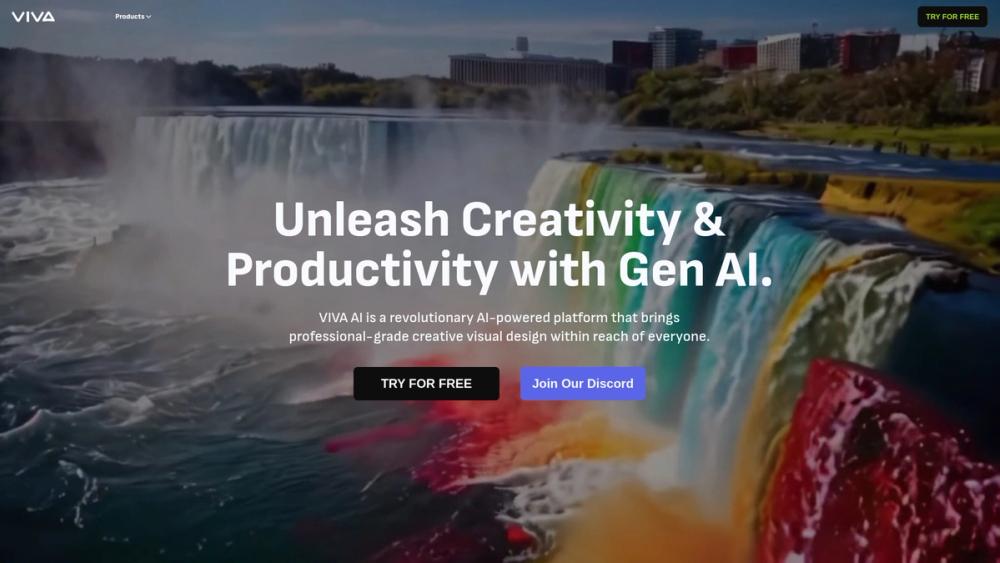
Vivago: The "Kitchen Sink" AI Studio (With a Stingy Daily Limit)
Most AI tools try to do one thing perfectly. Vivago tries to do everything at once—and surprisingly, it doesn't hate the player, it just hates the free tier. If you’re looking for a Swiss Army Knife for generative media that handles video, images, and upscaling in one browser tab, this is it. But if you’re hoping to binge-create for free, put your wallet on standby.
The "Free" Reality: Vivago offers a permanent free tier, but it’s strictly rationed. You get a daily credit allowance that effectively caps you at 1 video generation per day. It’s enough to dip your toe in, but not enough to swim.
🎨 What It Actually Does
Vivago is an all-in-one generative suite. It combines the features of Midjourney (images), Runway (video), and Topaz (upscaling) into a single dashboard.
- Text-to-Video: You type a prompt, it makes a clip. – Great for turning quick daydreams into 5-second motion clips without needing a film degree.
- Image-to-Video: Upload a still photo and make it move (e.g., make a waterfall flow or a character blink). – Perfect for breathing life into static marketing assets or family photos.
- 4K Upscaling & Enhancement: Takes blurry, low-res images or videos and sharpens them. – The "CSI Enhance" button actually works here, saving old footage or low-quality generations.
- Magic Editing: Select an object in a video and change it (e.g., swap a t-shirt for a suit). – Saves you hours of re-shooting or complex masking in After Effects.
The Real Cost (Free vs. Paid)
Here is where the rubber meets the road. Vivago’s free plan is a "tasting menu," not a buffet. You will deal with watermarks and a very tight leash on generation speed and quantity.
| Plan | Cost | Key Limits/Perks |
|---|---|---|
| Free | $0 | 1 Video/Day (approx.), Watermarked outputs, 5-second duration limit, Standard speed. |
| Basic | $6/mo | 1,000 Credits (approx. 30-50 videos), No Watermarks, Faster generation, 10-second duration. |
| Plus | $20/mo | 4,000 Credits, Priority Queue, Commercial License, Long-form generation. |
Note: The "Free" credits refill every 12-24 hours. Don't hoard them; use them or lose them.
How It Stacks Up
- Vivago vs. Luma Dream Machine: Luma is the king of realism and physics (great for 3D motion). Vivago is less realistic but offers more tools (like upscaling and editing) in one place. Luma is for quality; Vivago is for utility.
- Vivago vs. Runway Gen-3: Runway is the professional standard with granular control. Vivago is much easier to use for a beginner but lacks the fine-tuned camera controls of Runway.
- Vivago vs. Kling AI: Kling (the Chinese giant) often produces smoother motion for longer clips (10s+). Vivago struggles to keep consistency beyond 5 seconds on the free plan.
The Verdict
Vivago feels like the "Canva" of generative AI. It isn't the most powerful engine on the block—it won't beat Luma or Sora on raw cinematic fidelity—but it is incredibly convenient. By bundling generation, animation, and upscaling into one interface, it solves the fragmentation problem we all hate.
For the average user, Vivago is the perfect sandbox. You can fix a blurry photo, animate a meme, and generate a storyboard frame without switching tabs. Just remember: on the free plan, you have one shot to get it right today. Make it count.