

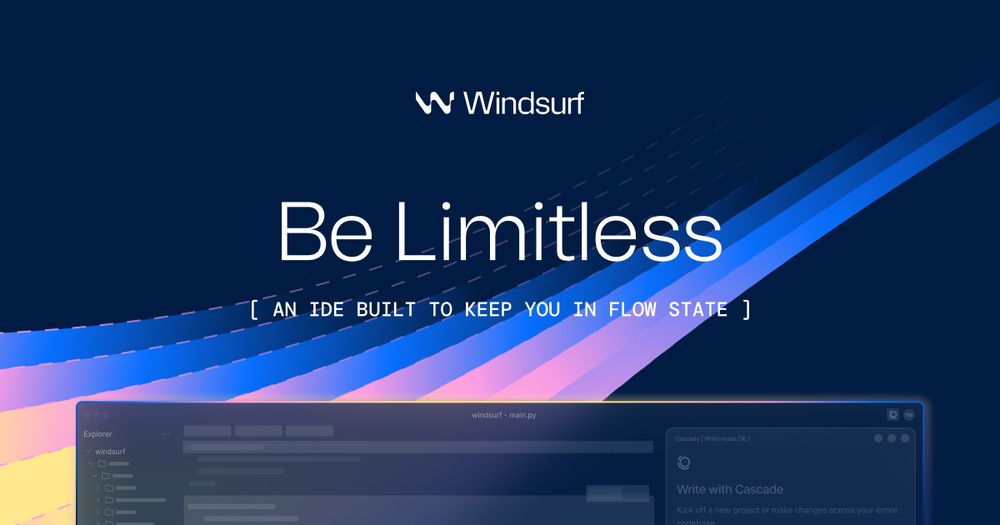
Windsurf: The AI Editor That Reads Your Mind (And It’s Free… Mostly)
We’ve all been there: staring at a broken block of code, switching tabs to ChatGPT, pasting in three different files, and praying the AI understands how auth.js talks to database.py. It’s clunky. It breaks your flow.
Enter Windsurf. It’s not just another chatbot; it’s a full code editor (a fork of the industry-standard VS Code) that "knows" your entire project. The killer feature? The free plan gives you unlimited autocomplete and access to its "Cascade" AI agent, essentially letting you vibe-code without constantly reaching for your credit card.
🎨 What It Actually Does
Windsurf is basically VS Code with a massive brain implant. Instead of guessing, it indexes your entire folder of code so it understands context—variable names, hidden dependencies, and weird architectural choices you made at 3 AM.
-
Cascade Flow: A chat window that doesn't just talk—it acts. It can read, write, and run commands across multiple files simultaneously.
- The Benefit: You say "Refactor the login page to use the new API," and it updates the UI, the logic, and the backend fetcher all at once.
-
Deep Context Awareness: The AI scans your whole project, not just the open file.
- The Benefit: You can ask "Where is the user session duration defined?" and it finds the exact line in a buried config file instantly.
-
Supercomplete: This isn't just spellcheck for code. It predicts your next logic step.
- The Benefit: You type
if (user.is_admin)and it ghost-writes the entire validation block before your fingers hit the next key.
- The Benefit: You type
The Real Cost (Free vs. Paid)
Here is where it gets interesting. Most AI tools hook you with a trial and then slam the door. Windsurf offers a surprisingly generous "forever free" tier, but there is a hard ceiling on the super-smart models (like GPT-4 or Claude 3.5 Sonnet).
| Plan | Cost | Key Limits/Perks |
|---|---|---|
| Free | $0 | 25 Premium Prompts/mo (The "smart" reasoning). Unlimited "Base" model prompts. Unlimited Autocomplete. |
| Pro | $15/mo | 500 Premium Prompts/mo. Access to top-tier models (Claude 3.5, GPT-4). Zero data retention options. |
The Catch: The "25 premium prompts" on the free plan will vanish in a single afternoon of heavy debugging. Once they're gone, you're downgraded to the "Base" model. It’s still infinite and functional for basic tasks, but it lacks the dazzling "I solved your complex architecture problem" genius of the premium models.
How It Stacks Up
The AI coding space is a bloodbath in late 2025. Here is how Windsurf compares to the other titans:
-
Cursor: The biggest rival. Also a VS Code fork.
-
The Difference: Cursor is often considered more "power user" friendly with slightly more granular controls, but its free tier can feel more restrictive regarding "apply" actions. Windsurf feels more "flow" oriented and easier to pick up.
-
GitHub Copilot: The OG.
-
The Difference: Copilot is an extension, not a full editor. It’s great if you refuse to leave your current setup, but because it doesn’t "own" the environment, it sometimes lacks the deep, multi-file awareness that Windsurf’s Cascade offers.
-
Trae AI / Google Antigravity: (The Newcomers)
-
The Difference: While new tools are popping up monthly with "revolutionary" agents, Windsurf remains the sweet spot for stability. It works now, without the beta bugs of the latest hype-cycle releases.
The Verdict
Windsurf represents a shift from "coding with a helper" to "coding with a partner." The fact that you can get unlimited autocomplete and basic agentic chat for $0 makes it an absolute no-brainer for students, hobbyists, or anyone skeptical of the AI hype.
It clears the mental clutter. You stop worrying about syntax and start focusing on logic. In a world where software is becoming infinite, Windsurf is the surfboard that lets you ride the wave rather than drowning in it. Download it, import your settings from VS Code, and see if you ever look back.


