

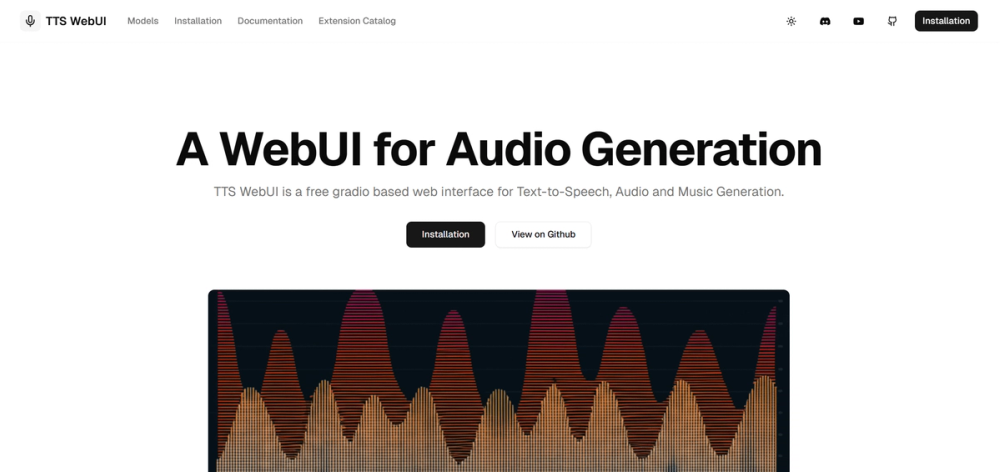
TTS-WebUI: The Unlimited Voice Studio That Costs Absolutely Nothing
TTS-WebUI is the "VLC Media Player" of AI voice tools—it’s ugly, it plays everything, and it’s completely free. While big tech companies charge you per character, this open-source interface lets you generate unlimited speech, clone voices, and create music on your own hardware (or Google Colab) without spending a dime.
🎨 What It Actually Does
Think of this as a universal adaptor for audio AI. Instead of installing ten different buggy Python scripts, you get one interface that controls the world's best open-source voice models.
- Universal Model Support: Runs Bark, MusicGen, Tortoise, RVC, and newer 2025 models like CosyVoice. – You don't need to choose between tools; you get them all in one dashboard.
- Voice Cloning: Upload a 10-second audio clip to clone any voice using XTTS or RVC. – Create custom narrators or fix podcast audio without re-recording.
- Music Generation: Type a prompt like "lo-fi hip hop beats" using the MusicGen integration. – Generate royalty-free background music for your videos instantly.
- Local Processing: Everything runs on your computer or a private Colab instance. – No privacy risks. Your voice clones and scripts never leave your control.
The Real Cost (Free vs. Paid)
Most "free" AI voice tools give you 5 minutes of audio a month before asking for a credit card. TTS-WebUI is different. It is open-source software, not a subscription service. The only "cost" is your hardware capability or the setup time.
| Plan | Cost | Key Limits/Perks |
|---|---|---|
| TTS-WebUI | $0 | Unlimited generation. Limit is your GPU speed (or Colab timeouts). |
| SaaS Rivals | ~$20/mo | Capped at ~100,000 characters (approx. 2 hours of audio). |
The Catch: This isn't one-click magic like ChatGPT. You need a decent NVIDIA graphics card (8GB+ VRAM recommended) to run it locally, or you have to fiddle with Google Colab notebooks which might disconnect after a few hours. There is no customer support—just you and GitHub.
How It Stacks Up
If you have the hardware, nothing beats the value here. But if you need speed and polish, the paid giants still have an edge.
- ElevenLabs: The premium standard. It’s faster, the UI is sleeker, and the "emotional" range is slightly more consistent out of the box. But you pay for every word. If you generate an audiobook, prepare to empty your wallet.
- OpenAI (Voice Engine): extremely convenient and integrated into everything, but highly restricted. You can't clone specific voices freely due to safety guardrails. TTS-WebUI has no such guardrails.
- Murf.ai: Great for corporate slide decks and teams, but feels stiff compared to the creative chaos possible with TTS-WebUI's multiple models.
The Verdict
We are moving into an era where "creative power" is no longer rented; it's owned. TTS-WebUI represents the raw, unpolished edge of this shift. It demands you learn a little bit about how the machine works—how to load a model, how to tweak a seed number. In exchange, it gives you total sovereignty over your audio.
It won't hold your hand, and it might crash if you look at it wrong. But when you generate that perfect, hour-long narration for free on your own gaming PC, you realize that the best tools aren't always the ones with the slickest marketing—they're the ones that let you build whatever you want, however you want.


