

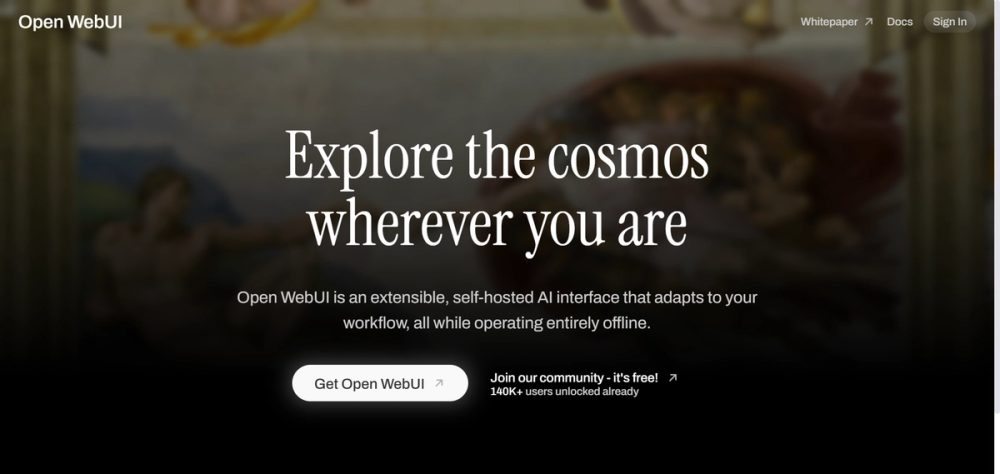
Open WebUI
Stop paying for a monthly AI subscription just to get a nice chat window. Open WebUI is a completely free, open-source interface that looks and feels exactly like ChatGPT, but gives you total control over which AI model you use—whether it’s running privately on your gaming PC or via a cheap API key.
The secret? It doesn’t sell you the AI; it gives you the dashboard to drive it. If you have a decent computer or just want to pay-per-message for GPT-4 instead of a flat $20/month, this is the tool that breaks the subscription cycle.
🎨 What It Actually Does
Open WebUI acts as a "universal remote" for artificial intelligence. Instead of being locked into OpenAI’s website for GPT-4 or Anthropic’s site for Claude, you install this one app and connect everything to it.
- The "ChatGPT" Clone: It replicates the familiar sidebar, chat history, and clean design you already know. No learning curve.
- Local Privacy: Connect it to Ollama (a tool that runs AI on your computer) to chat with models like Llama 3 or Mistral entirely offline. Your data never leaves your wifi.
- Multi-Model Chaos: You can toggle between GPT-4o, Claude 3.5, and Gemini Pro in the same chat window. You can even have two models answer the same prompt side-by-side to see who’s smarter.
- Files & Vision: Drag and drop PDFs, images, or code files. It handles "Retrieval Augmented Generation" (RAG)—tech-speak for "reading your documents"—better than most paid tools.
The Real Cost (Free vs. Paid)
Here is the twist: Open WebUI itself is $0. However, because it is "self-hosted" software, you are the IT department. You need to provide the "brain" (computing power).
| Plan | Cost | Key Limits/Perks |
|---|---|---|
| Open WebUI | $0 (Forever) | Unlimited chats/history. No watermarks. 100% Private. |
| The "Catch" | Hardware / APIs | Requires a GPU (for local AI) OR API Credits (paid to OpenAI/Anthropic per message). |
Note: If you run it locally on a laptop without a graphics card, it will be painfully slow. If you use API keys, you only pay for what you use (often < $5 per month for casual users).
How It Stacks Up
In late 2025, the "Bring Your Own Model" market is heated. Here is how Open WebUI compares to the easy-install alternatives:
- LM Studio: The clear winner for beginners. It installs like a regular app (
.exeor.dmg). Open WebUI usually requires running a command in Docker (scary for non-coders), whereas LM Studio is just "click and run." - Jan.ai: Similar to LM Studio but open-source. Jan is easier to install than Open WebUI but lacks some of the advanced features like easy file-upload handling (RAG) and the polished web-browser feel.
- TypingMind: A paid competitor. TypingMind offers a similar "better UI for your keys" experience but charges a license fee. Open WebUI gives you 90% of that power for free, provided you can handle the setup.
The Verdict
Open WebUI represents a massive shift in digital ownership. For the last three years, we have been "renting" intelligence from big tech companies, locked into their interfaces and their rules. Open WebUI proves that the interface belongs to us.
It effectively commoditizes the AI chatbot. By separating the look of the chat from the brain of the AI, it empowers you to shop around for the cheapest or smartest model without losing your chat history or workflow. If you are willing to spend 15 minutes watching a YouTube tutorial on how to install Docker, this tool won't just save you money—it will make you feel like you actually own your computer again.


