

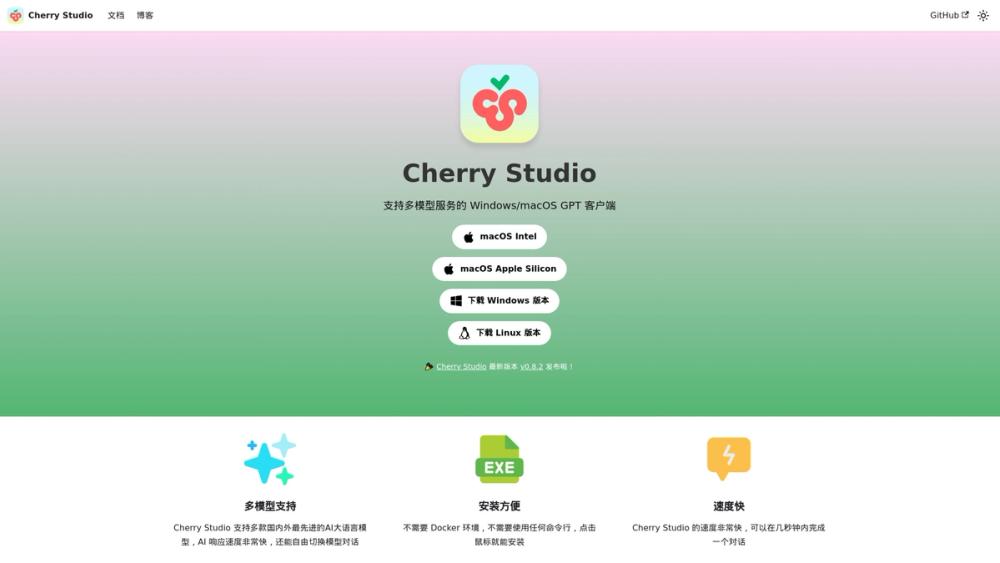
Cherry Studio: The Free "Universal Remote" for All Your AI Tools
We’ve all been there: one tab open for ChatGPT to write an email, another for Claude to analyze a PDF, and a third for Gemini to check the facts. Cherry Studio stops the madness by combining every major AI into a single, sleek desktop app. Best of all, the software itself is 100% free and open-source—you just need to provide the brains.
🎛 What It Actually Does
Cherry Studio doesn’t generate text itself; think of it as a web browser built specifically for AI. It connects to "providers" (like OpenAI or local models running on your computer) and gives you a unified, pro-level interface to control them.
- Unified Chat Interface: Chat with GPT-4, Claude 3.5, and DeepSeek in the same window – [Stop paying for multiple $20/month separate subscriptions just for the UI].
- Local Model Support: Run private, free AI models (via Ollama) directly on your laptop – [Chat with sensitive documents offline without sending data to the cloud].
- Drag-and-Drop Knowledge Base (RAG): Upload PDFs, Word docs, or code folders, and the AI answers based only on that data – [Instantly turn a 50-page contract into a 3-bullet summary].
- Model Context Protocol (MCP): Connects your AI to external tools and databases – [Let your AI actually "do" things, not just talk about them].
The Real Cost (Free vs. Paid)
Here is the tricky part most people miss: Cherry Studio is the car, not the gas. The app is free, but you need to fuel it with "API Keys" (paid) or local models (free but require a decent computer).
| Plan | Cost | Key Limits/Perks |
|---|---|---|
| The App | $0 | Unlimited features. No watermarks. No daily limits. |
| "Fuel" (Cloud) | Variable | You pay per message via API keys (e.g., ~$5/mo for casual use). |
| "Fuel" (Local) | $0 | Requires no internet, but needs a fast computer (Apple Silicon/NVIDIA GPU). |
Pro Tip: If you have a Mac M1/M2/M3 or a gaming PC, you can run models like Llama 3 or Mistral locally for zero cost using Cherry Studio.
How It Stacks Up (Competitor Analysis)
In late 2025, the "AI Client" market is heating up. Here is how Cherry handles the pressure:
- vs. LM Studio: LM Studio is the king of downloading and running local models easily. However, Cherry Studio offers a much better Knowledge Base (RAG) system. If you want to chat with your PDF files, pick Cherry.
- vs. Jan.ai: Jan is fantastic for privacy and simplicity, but Cherry Studio is more feature-dense for power users. Cherry supports more complex workflows and external tools (MCP) that Jan currently lacks.
- vs. Web Browsers (https://www.google.com/search?q=ilovefree.com): Cherry Studio is faster, private, and doesn't train on your data (if using local models). Plus, it doesn't disconnect or forget who you are when your internet flickers.
The Verdict
We are entering the "Bring Your Own AI" era. For years, we've been renting intelligence from big tech companies, locked into their websites and their rules. Cherry Studio represents a shift where you own the interface.
By separating the chat experience from the AI provider, Cherry Studio gives you freedom. You can swap OpenAI for Anthropic today, or switch to a free local model tomorrow, without losing your chat history or your workflow. It allows you to build a personalized creativity engine that lives on your machine, not in a browser tab.


